How To

The Basics of Photoshop Quick Masking
|

The Basics of Photoshop Quick Masking

Selecting and rendering objects from their background can be a difficult skill to master. Nobody is inherently born with an understanding of Photoshop – it takes years of practice and lots of screw-ups to become even remotely good. Yet it seems that rendering and selecting an object always remains one of the most difficult tasks…

Tips for Learning the Pen Tool in Adobe Photoshop
|

Tips for Learning the Pen Tool in Adobe Photoshop

Everyone who’s tried their hand at Photoshop knows about the pen tool. At first it’s agonizingly difficult and practically mocks every newcomer. But there is a rhyme & reason to the madness. I do hope this post offers enough useful tips for anyone interested in learning this tool. I’ll preface by saying that to get…

How to Identify Any Font That Caught Your Fancy
|

How to Identify Any Font That Caught Your Fancy

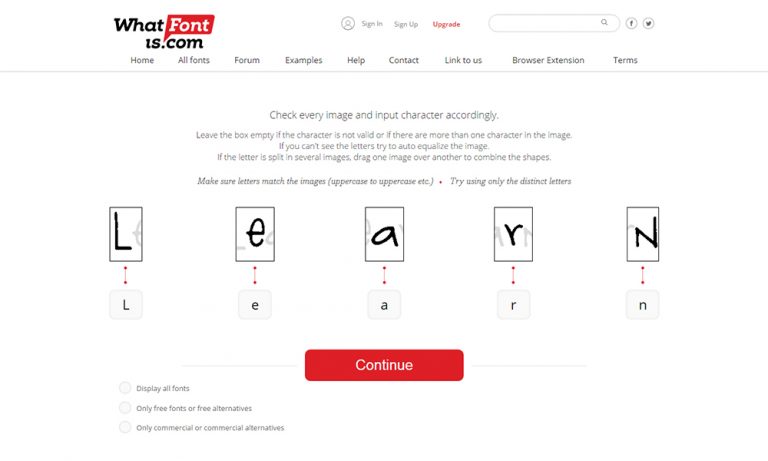
Designers and bloggers from all around the world acknowledge the importance of using a catchy font in their endeavors, insofar as the actual text encased in a piece of work/article has to ignite the attention of all visitors, and secure it for any important information that you wish to convey. Whereas the visual impact of…

[Ask BB] Illustrator: Document Raster Effects Settings

[Ask BB] Illustrator: Document Raster Effects Settings

Eddie, a relatively new Illustrator user had a question about raster images in Illustrator. Eddie asks: “I have imported a raster image into illustrator and I would like to know the properties of it (ie dpi). Is there a way of doing this in Illustrator (ie properties box that exists in Corel)? I’m not sure…

How to Sync Photoshop Presets on Multiple Computers

How to Sync Photoshop Presets on Multiple Computers

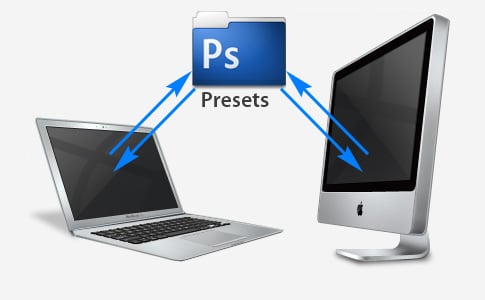
If you have multiple computers, and you use both of them quite frequently (like myself), then you understand that syncing 2 computers is a never-ending battle. Syncing files is hard enough, but I want to share a workflow tip with everyone that will make your lives easier when switching back-and-forth between machines. I want to…

Photoshop 101: The Annoying Phantom Brush

Photoshop 101: The Annoying Phantom Brush

Have you ever had the creative juices flowing, your favorite music blaring, and selected your Photoshop brush, only to find that your cursor disappears and you can’t see the brush outline? Photoshoppers everywhere have endured this little annoyance for years. It’s really quite simple to avoid, but until you know why, it can be quite…

Illustrator Quick Tip: Faster Gradient-Color Adjustments

Illustrator Quick Tip: Faster Gradient-Color Adjustments

A reader recently asked me about using the eyedropper tool to adjust the (one of 2+) colors in an Illustrator gradient. If you’ve never witnessed this frustration, it is quite annoying. In Illustrator, when using the gradient palette, (Adobe should have figured this out by now) you can’t double-click on one of the gradient color…