Archive for September, 2010
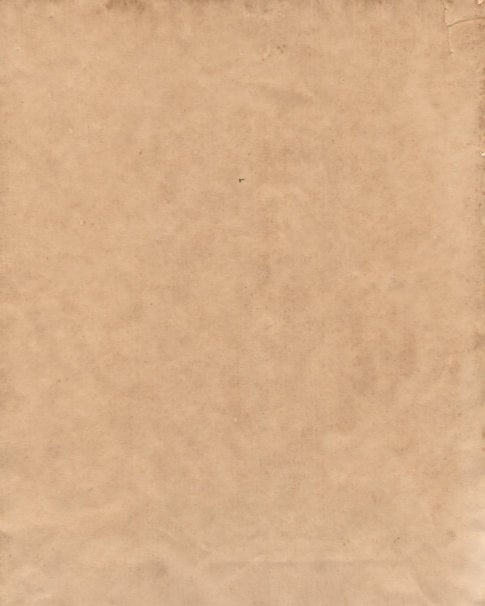
So I finally got around to buying a good scanner recently and you know what that means: more textures! I realized the other day that I’ve never done a “normal” set of paper textures here on Texture Tuesday, and I think it’s long overdue. These are, in my eyes, some of the most ubiquitous and useful textures I’ve ever posted… so I hope you guys are able to utilize them in many ways. Enjoy!
Preview
It’s time to announce the winners of a free copy of Brush Pilot 2.0! And the winners are: Glenn Van Bogaert, John Dickinson, and nrkinney. Congratulations to the three winners. I hope you enjoy the software. Brush Pilot has been 3 years in the making and it’s come a long way since 1.0. Oh, and tell your friends! :)

Happy Friday everyone! How about some free software? I’ve got three copies of Brush Pilot 2.0 to give away to 3 lucky commenters. Brush Pilot 2.0 was a major upgrade and has taken the software from a simple previewer to a conversion tool as well. Most notable of the new features is the ability to export brushes in PNG format with transparent backgrounds!
Visit BrushPilotApp.com to download a demo and read more details.

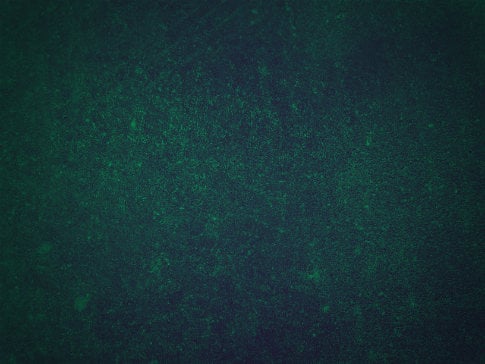
This is an experimental texture set that I made a couple of weeks ago, kind of nervous to see what kind of reaction it gets. The textures were made using the Gradient Map feature in Photoshop, along with some other color adjustments. I think they would work perfect for subtle website backgrounds, or overlayed onto poster designs or photographs for just a hint of texture. Let me know if you use them for anything cool, enjoy!
Preview
Congratulations to Dan, Jerry, Jordan, Carlos, Adam, David, Erwin, Lisa, Paula L, and Patricia! The lucky winners of a Vintage Mega Pack from Designious.com. Thanks to everyone for participating, and I hope the winners enjoy the free vector goodies :)

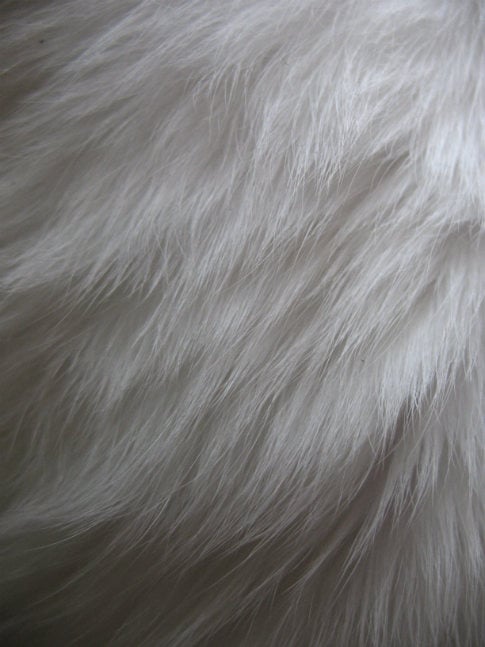
For this set of textures don’t give any thanks to me, thank my brothers cat Evey for being such a loyal and easy-going subject to photograph. This set, along with the first set of fur textures, are some of all time favorites. I hope you guys think the same. Enjoy, I made them just fur you!
Preview
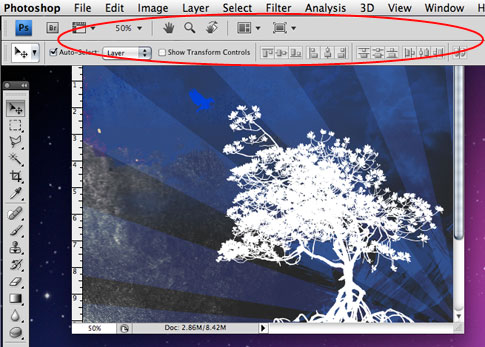
I’ve got a couple small, but usable tips today regarding the Photoshop interface. I’ll start off with helping get rid of something that I’ve found to be quite annoying when running Photoshop on a Mac. Ok, here we go…